Videos
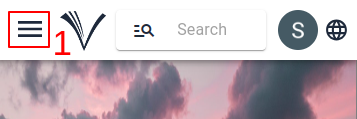
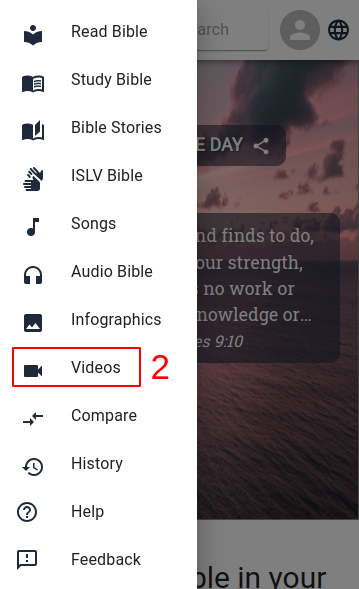
- Videos can be accessed from the menu(1) on the home page. To view them, select Videos (2) from the menu.
- Once the video page is open, users can select the language (3) for the videos and choose the video (4) they want to watch.
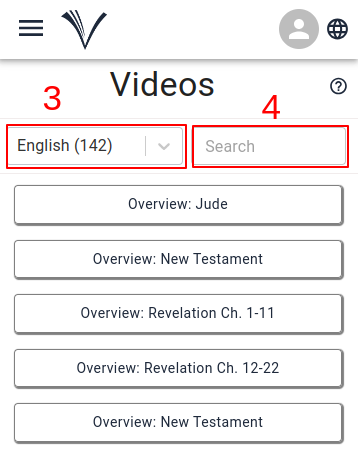
- The user can also access the Videos by clicking on Drawer Menu and selecting Videos from the drawer.
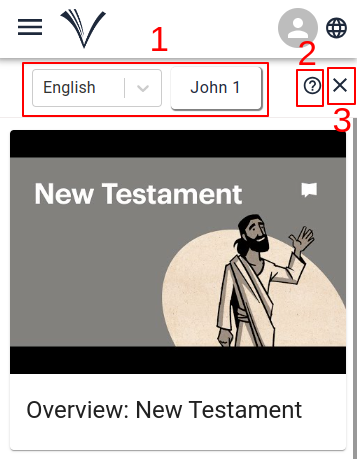
The user can select the language, Bible book and chapter from the drop-down menus (1).
If there are any videos available for the book, they are displayed on the panel.
To watch a selected video, the user has to click on it.
Clicking on the help icon (2) allows the user to access the user manual page for videos.
To exit the Videos, the user has to click the cancel button in the top right corner (3).
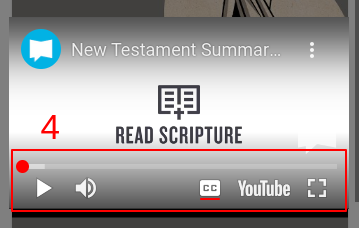
The video will start playing in a dialog box as shown below.
Full screen mode and other video player settings are available at the bottom of the video dialog box (4).