Compare
The Compare feature allows users to enhance their understanding of verses by displaying them in various translations. Here's how to utilize it.
- Open the menu
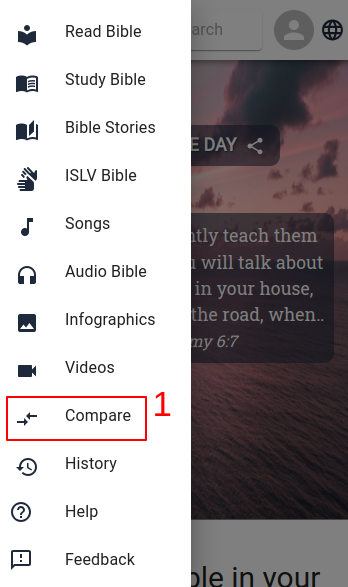
- Choose Compare
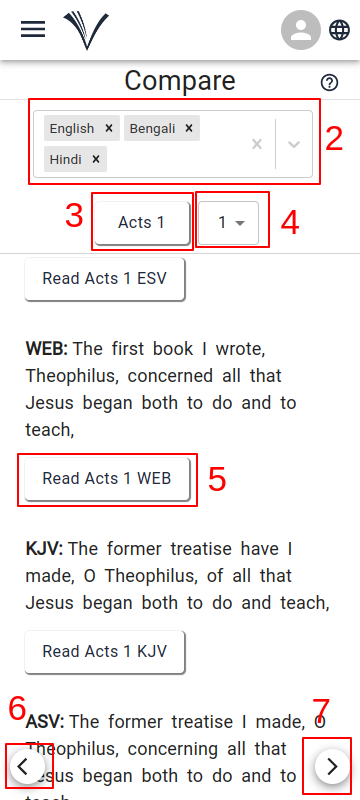
The user can select up to four languages for verse comparison (2).
The user can pick the book and chapter (3) and verse (4) they want from the drop-down menu
Click on the version the user wants to read (5).
The user can use the arrows to move to the previous (6) or next (7) verses.