Infographics
Infographics can be accessed from both the menu on the home page and the Study Bible page. To access Infographics select Infographics from the menu. All the cards will be visible on one page.
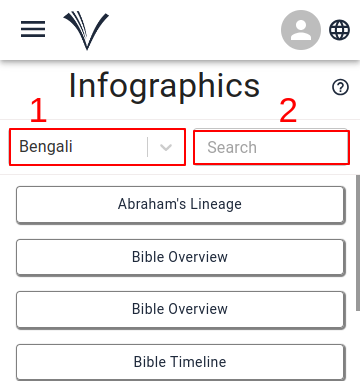
After the Infographics cards appear, the user can choose the language (1) for viewing and search (2) for specific cards by entering the card name in the search input box.
Follow these steps to access the Infographics from the Study Bible page:
To read, understand, visualize and study the Bible through images and visual supports, the user should click on the Drawer Menu and select Infographics.
The user has the option to choose the language (1) and the Bible book from the drop-down menu (2).
If the book has Infographics, it will appear on the screen.
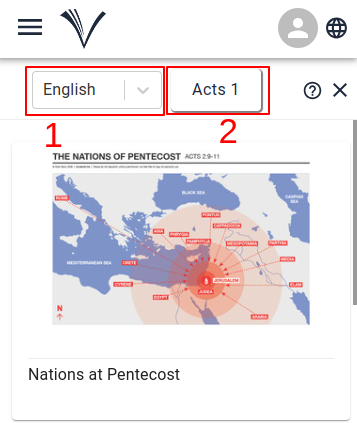
- The user can click on a card to enlarge the image in it.
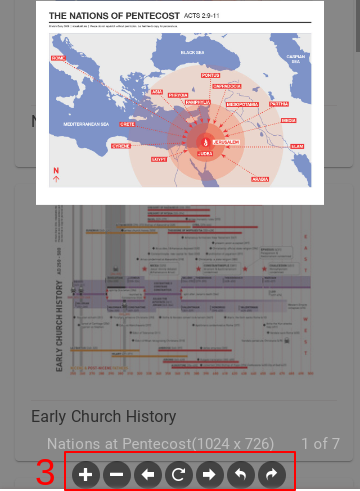
- Once the image is enlarged the user can rotate, zoom in or out, and navigate to the next and previous images by choosing the options listed below the image (3).